
MyCARD
The online registration system: simple, fast, and green!
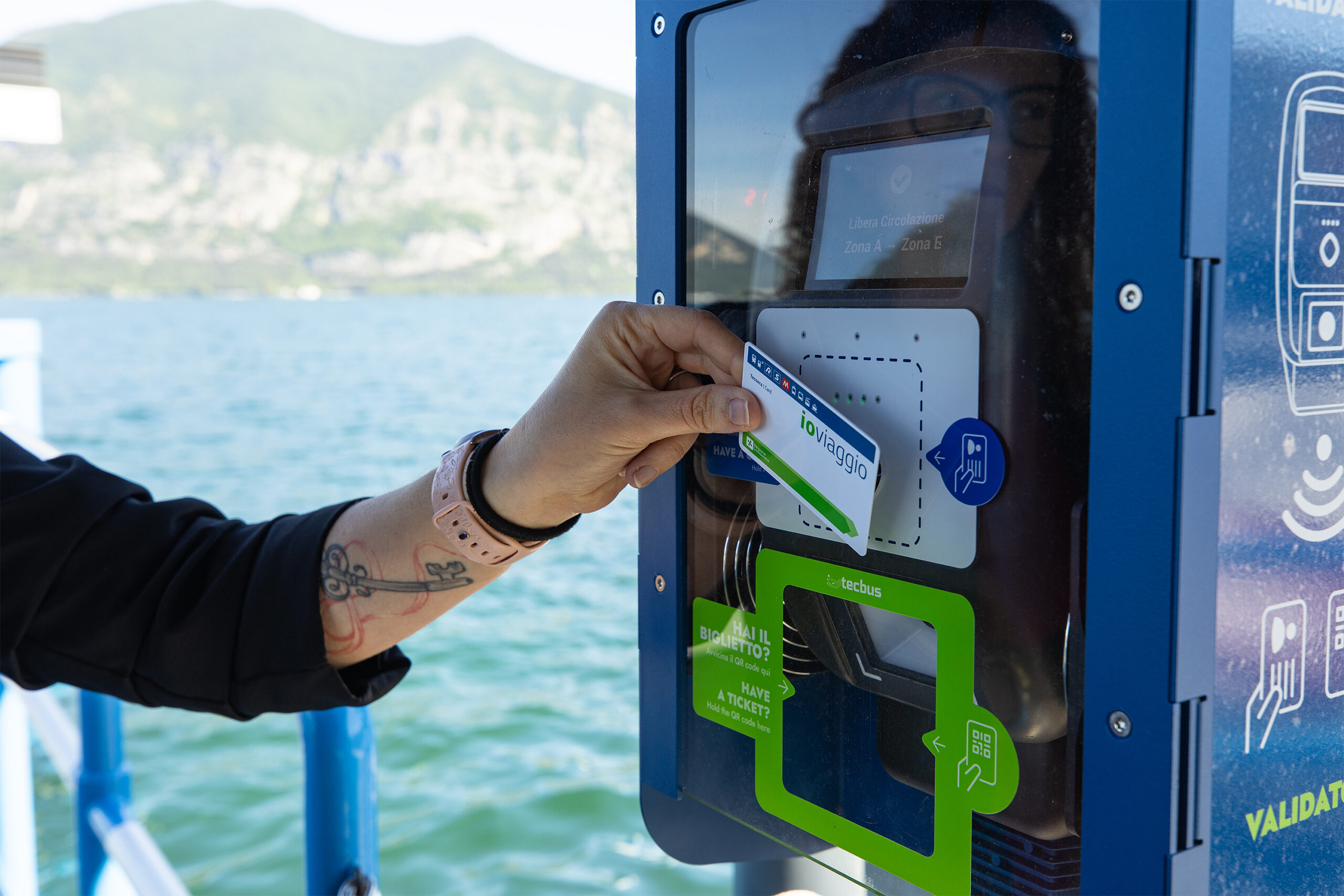
Online registration system
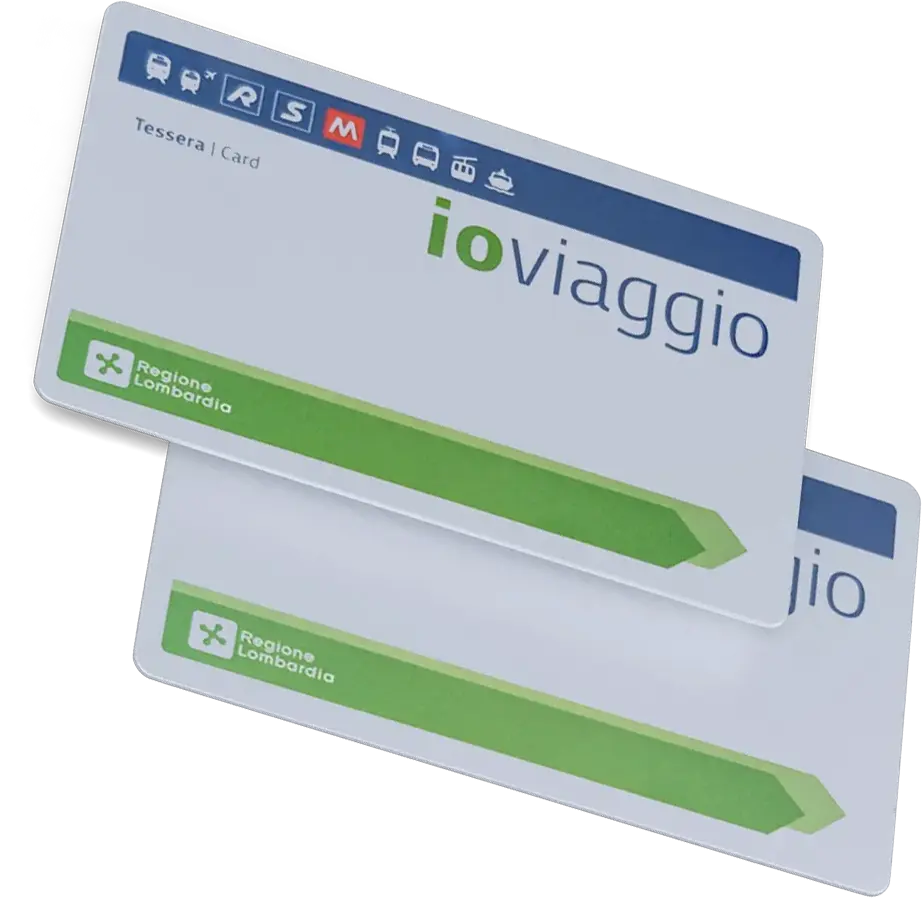
From this page, you can access our platform to get your card for your NLI travel passes.
Here's how to sign in:
Click on “Sign in”
You will be asked to provide some basic information: first name, last name, email address, and a password.
Confirm your email address
After registering, you will receive an email with a confirmation link. Just click on it to activate your account.
Log in and fill out the form
Once logged in, you can fill out the form with all the required information.
Upload your documents
You will be asked to upload a copy of your ID and a recent passport photo. Make sure they are legible.
Submit your request
When you’re done, you’ll receive a confirmation by email and you can decide whether to pay directly online with a credit card or at a ticket office.
Pick up the card
Once the online request is completed, you can go to one of our ticket offices to print your card
Register nowFrequently asked questions about online membership
-
How can I request the NLI card?
To request the NLI card, you must first create an account on mycard.nli.tecbus.eu by filling in the required fields (name, surname, email and password).
Then select “Request new card” and complete the required information.
For further details, please consult the dedicated guide.
-
How can I pay for the card?
Payment can be made online by credit card.
Alternatively, you can go to a ticket office, present the request number or an identity document, and pay there.
-
I already created my account. Can I request cards for family members?
Yes. Once your account has been created, you can request additional cards for family members by selecting “New request”
-
I have a minor child. Is attaching their identity card enough?
No. You must also upload the identity document of a parent or legal guardian.
-
Can I create multiple accounts with the same email address?
No. Each account must be associated with one unique email address.
However, from a single account you can request new cards for other users
-
Can I collect the card on behalf of someone else?
Yes. You must present the collection receipt downloaded from the user’s account for whom you are collecting the card.
-
When and where can I collect my card?
Once the online request has been completed, you can go to one of our ticket offices to have your card printed.
-
Which information must I update to complete the card request?
To complete the request correctly, you must upload:
- a recent passport-style photo
- a valid identity document
Please also check that all personal data are correct, especially the Italian tax code (codice fiscale), as it may be linked to discounts or tax deductions.
-
How much does the card cost?
The NLI card costs €5.00.
-
What if I don’t have an email address?
An email address is required to manage your account and update personal data.
If you do not have one, we recommend creating one.
Without an email address it will not be possible to request the card. -
What if I don’t have a passport-style photo?
You can upload a recent photograph or take one directly using the online system.
The important thing is that your face is clearly visible and recognizable.